
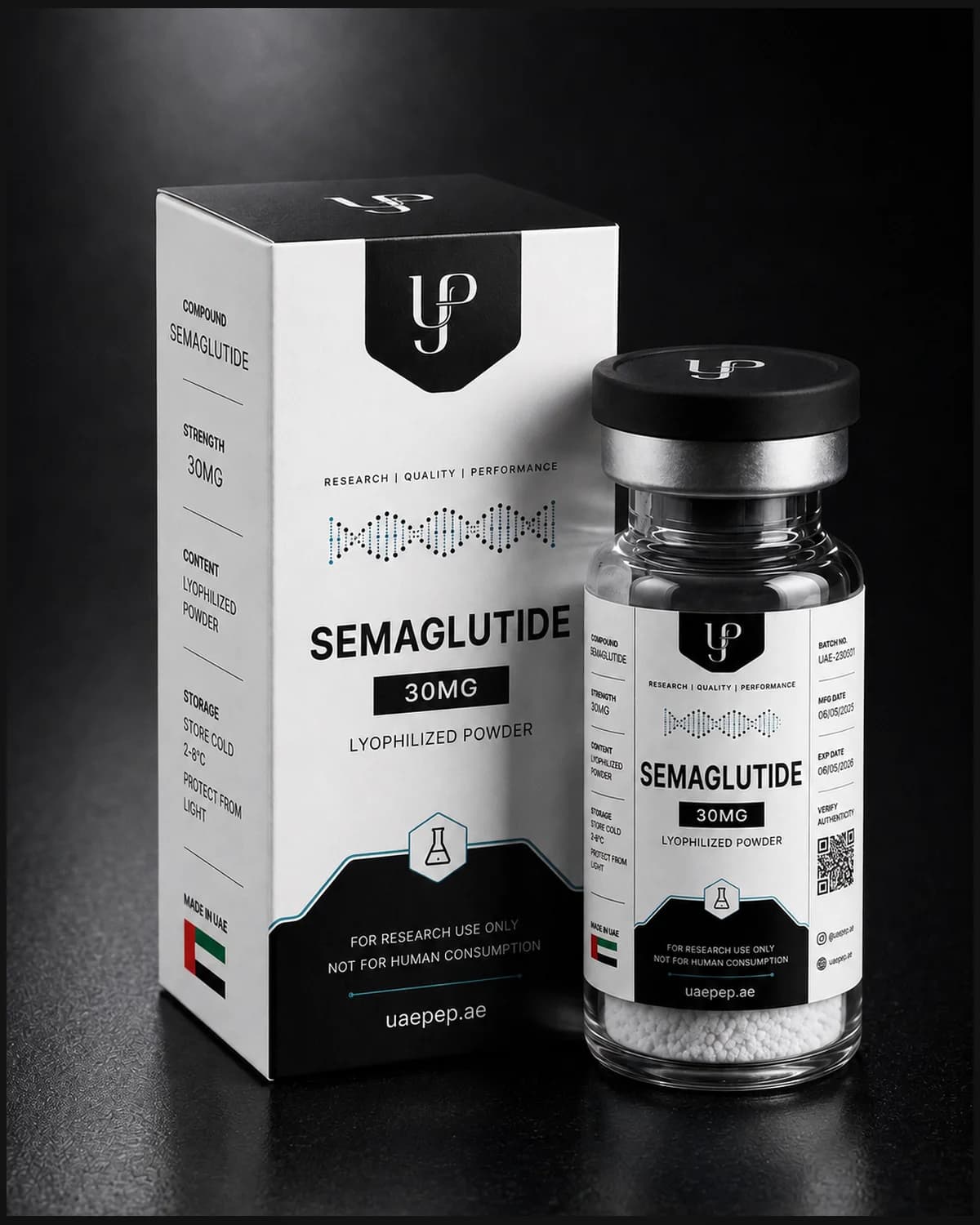


A plain-language walkthrough of UAEPEP batch COA fields — identity, HPLC purity, appearance — and how to download verification PDFs.
What a batch-specific COA is
A certificate of analysis (COA) is a lot-linked document. This plain-language field guide walks through the fields laboratories check when reading a peptide COA — so you know what a solid batch document looks like before you order.
On UAEPEP, published COAs appear on product pages and in the COAs library. Each document summarises identity, batch coding, assay method, purity or quality screen, appearance, and a public verification path.
Field-by-field walkthrough
Read the certificate in the same order every time so receiving becomes muscle memory for your team.
| Field | What it tells you | Fail condition |
|---|---|---|
| Product name | Catalogue identity | Name ≠ SKU ordered |
| Strength | Labelled amount / volume | Unit mismatch (mg vs ml) |
| Batch ID | Lot traceability | Batch ≠ page lot |
| Assay method | How purity/quality was screened | Missing method for peptides |
| Purity / quality | Published result for the lot | Unreadable or absent value |
| Appearance | Physical form check | Form ≠ expected family |
Identity first, then assay
If the name, strength, or batch fails the match test, stop. Do not “average out” mismatches. Contact support@uaepep.ae with screenshots of the product page and the PDF before checkout or before releasing stock into a protocol.
Only after identity matches should you interpret assay method and purity as research metadata for that lot.
Peptides vs waters on documentation
Lyophilised peptides and research waters are documented differently. Peptide COAs typically emphasise HPLC-UV purity. Water documents emphasise appearance and quality screens suitable for liquids.
Do not treat the formats interchangeably in your SOP language. Link each PDF to the correct SKU family in your records.
Downloading and verifying on UAEPEP
Use the Download COA PDF control on the batch page. Prefer the storefront file so the QR verification URL stays consistent with uaepep.ae public batch pages.
Keep the PDF beside your order confirmation. For fulfilment questions after ordering, use Track Order with your UAEPEP reference, or email support with both batch and order IDs.
- Open /coas and select the batch.
- Confirm product + purity summary on the batch page.
- Download the PDF to your laboratory records folder.
- Cross-check the batch ID on the vial label at receiving.
Limits of a catalogue COA
A COA supports research purchasing decisions. It is not medical advice, not a clinical authorisation, and not permission for human or veterinary use. UAEPEP states this on product, legal, and documentation surfaces.
When a third-party laboratory report replaces a catalogue template for a given lot, the public batch page remains the verification entry point. Ask info@uaepep.ae if you need clarification on a published document.
Frequently asked questions
Next step
Download from COA library
Open batch pages and save PDFs.